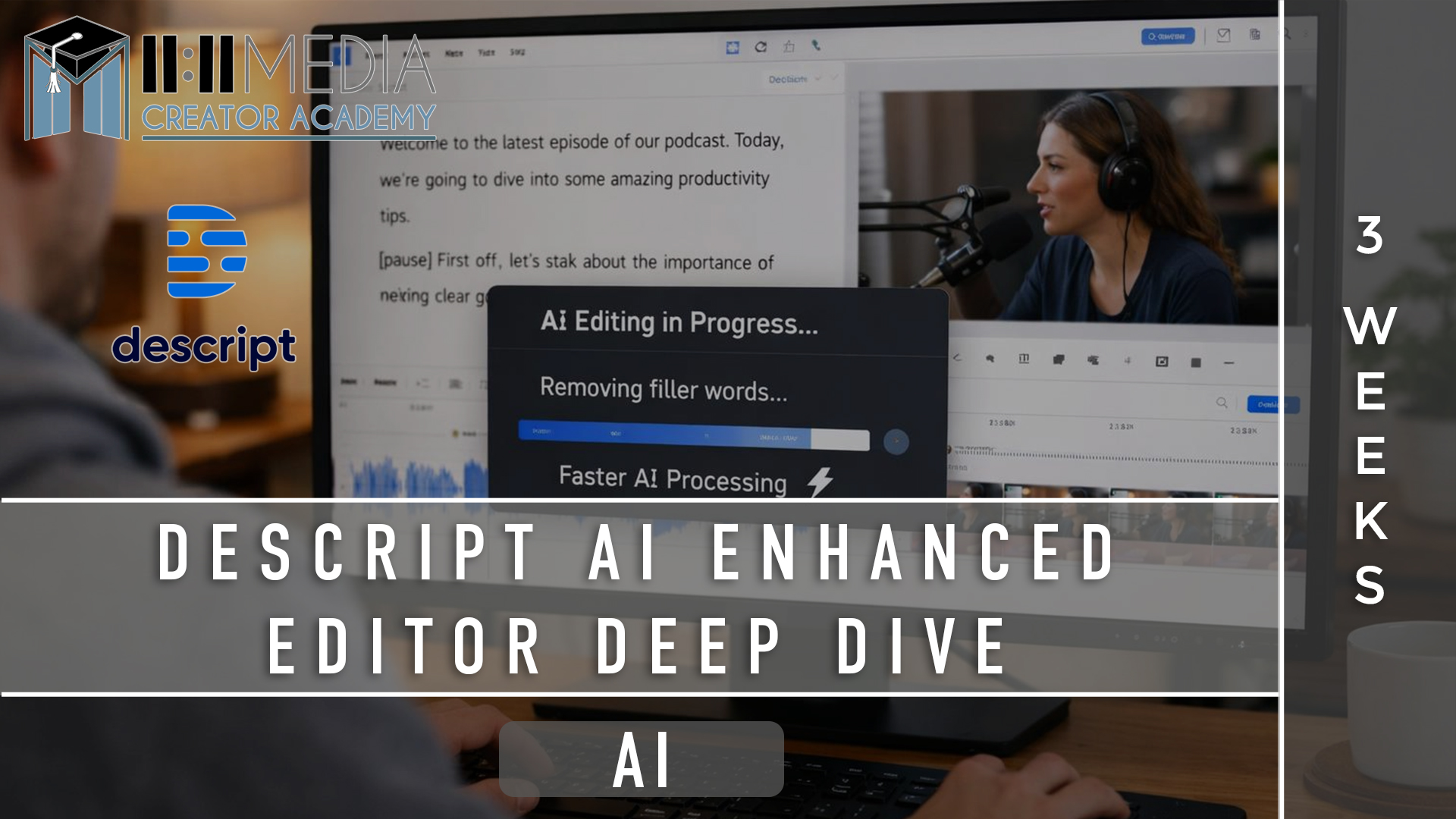
Descript AI Enhanced Editor Deep Dive — (3 Weeks)
What You’ll Learn
This course gives you a clear, repeatable system for editing audio and video using Descript—so you can work faster, stay in control, and stop feeling intimidated by editing tools. By the end, editing will feel like revision, not technical labor.
🧱 Core Descript Foundations
- Understanding how Descript actually works (and what it replaces)
- Text-based editing vs traditional timeline editing
- How Descript fits into a modern creator workflow
- When to use script view, timeline view, or both
🎬 Text Based Editing with Speed & Precision
- Cutting video and audio by editing text
- Building clean, readable scene structures
- Tightening pacing without over-editing
- Making intentional edits instead of endless tweaks
🔊 AI Audio Editing & Multitrack Control
- Cleaning up audio without destroying voice quality
- Using Studio Sound and volume leveling responsibly
- Working with multiple speakers or audio sources
- Syncing audio and video cleanly
🧠 Scene Structure & Viewer Retention
- Organizing long-form content for clarity and flow
- Using scenes to improve watch time and comprehension
- Reordering content without breaking momentum
- Editing for understanding, not perfection
📝 Captions, Text & Accessibility
- Creating readable, well-paced captions
- Understanding subtitle best practices
- Exporting captions correctly for different platforms
- Balancing accessibility with visual cleanliness
✂️ Repurposing & Short-Form Editing
- Pulling short clips from long-form content efficiently
- Identifying clip-worthy moments
- Understanding aspect ratios (YouTube, Reels, TikTok)
- Creating multiple assets from a single recording
⚙️ Workflow, Templates & Real-World Use
- Building a repeatable editing workflow
- Using templates to cut edit time dramatically
- Naming, saving, and organizing projects
- Going from recording to export in under 60 minutes
🤖 Using AI To Enhance Your Videos
- Understanding where Descript’s AI helps—and where it doesn’t
- Using filler word removal, captions, and Overdub intentionally
- Maintaining creative control instead of defaulting to automation
- Avoiding AI shortcuts that weaken clarity or quality
✅ This Course Is For:
- Authors and authorpreneurs creating video or audio content
- Podcasters, educators, and interview-based creators
- Writers making video essays, courses, or authority content
- Anyone who wants clean, professional edits without traditional software
🚫 This Course Is Not For:
- Anyone looking for one-click, fully automated editing
- Creators who don’t want to make editing decisions
- People expecting AI to replace judgment or craft
- Those unwilling to practice, revise, and ship work
🔑 Outcome
By the end of this course, you’ll have one polished long-form project, 3–5 short-form cutdowns, and—more importantly—a fast, repeatable Descript workflow you can use for podcasts, videos, courses, and social content without fear or friction.
Editing won’t feel intimidating anymore. It’ll feel like part of your creative process.

Hey! I'm Brea Bolton!
Brea Bolton is an award-winning screenwriter, novelist, filmmaker, and illustrator based in Oklahoma City. A full-time creative with a strong cross-disciplinary background, she currently writes for SYFY, Sterling & Stone, and additional television projects as a staff writer.
Beyond the screen, Brea devotes her time to writing for local theaters and stages, as well as producing and directing short films rooted in character, community, and emotional truth. She has developed and workshopped projects with major industry institutions, including Tyler Perry Studios, HBO, and Sundance.
Dedicated, versatile, and relentlessly imaginative, Brea continues to build stories across mediums, always seeking the next world to shape and the next audience to move.
Example Featured Products
Showcase other available courses, bundles, and coaching products you’re selling with the Featured Products block to provide alternatives to visitors who may not be interested in this specific product.